How to Add Dependents in PhilHealth (2026 Guide)
One of the most valuable aspects of membership in the **Philippine Health Insurance Corporation (PhilHealth)** is the ability to extend your healthcare coverage to your immediate family. Under the Universal Health Care (UHC) Law, a primary member can register their qualified dependents under their account. This grants your family members access to the exact same hospitalisation and outpatient benefits as you—**at no extra cost**.
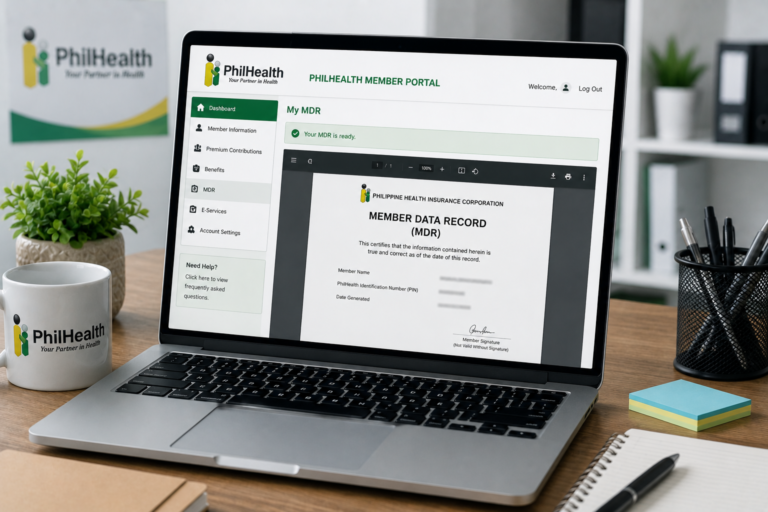
However, your family members will not be automatically covered simply because you are related. They must be officially registered in the PhilHealth system and listed under the “Dependents” section of your **Member Data Record (MDR)**. If a child or spouse is hospitalized and their name is missing from your MDR, the hospital billing station will not process their benefits, forcing you to pay the bill in full and request a reimbursement later.
Adding dependents to your profile requires filing an amendment request. In this comprehensive 2026 guide, we explain the **eligibility rules for dependents**, list the required PSA documents, provide a step-by-step tutorial on how to update your MDR online or in person, and share tips for managing your SSS and PhilHealth details together.
Key Takeaways
- No Extra Premium: You do not pay additional contributions on the PhilHealth contribution table to add dependents. One premium covers your entire qualified family.
- MDR Update is Mandatory: Your dependents must be formally listed on your printed MDR before they can claim hospital benefits. Complete your PhilHealth MDR download after the update to verify.
- Eligibility Rules are Strict: Only specific family members (like spouses, minor children under 21, and parents over 60) qualify as dependents. Siblings and cousins are not allowed.
- Requires PSA Documents: You must present original PSA marriage certificates or birth certificates to prove your relationship to the dependent.
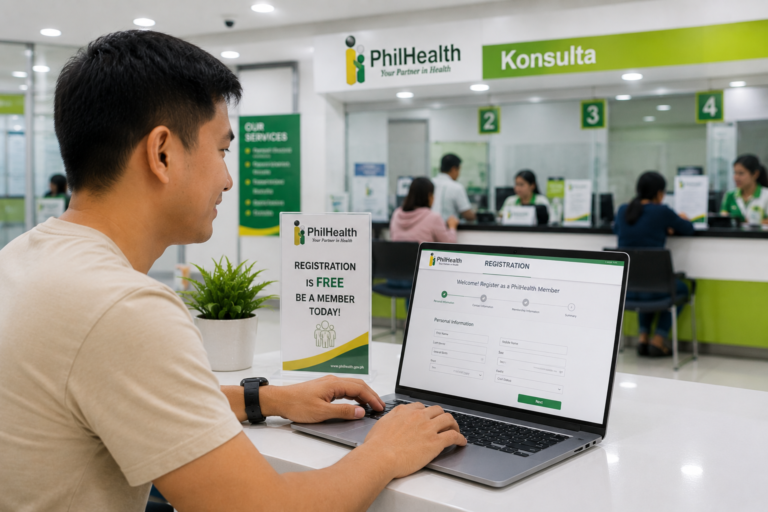
- Online and In-Person Options: You can submit your amendment request online through the electronic registration portal or visit a local PhilHealth LHIO branch for immediate processing.
Overview: What is a PhilHealth Dependent?
A PhilHealth dependent is an immediate family member of an active contributor who is legally registered to receive health insurance benefits under the primary member’s account. This system ensures that children, senior parents, and non-working spouses have access to medical services even if they are not active direct contributors themselves.
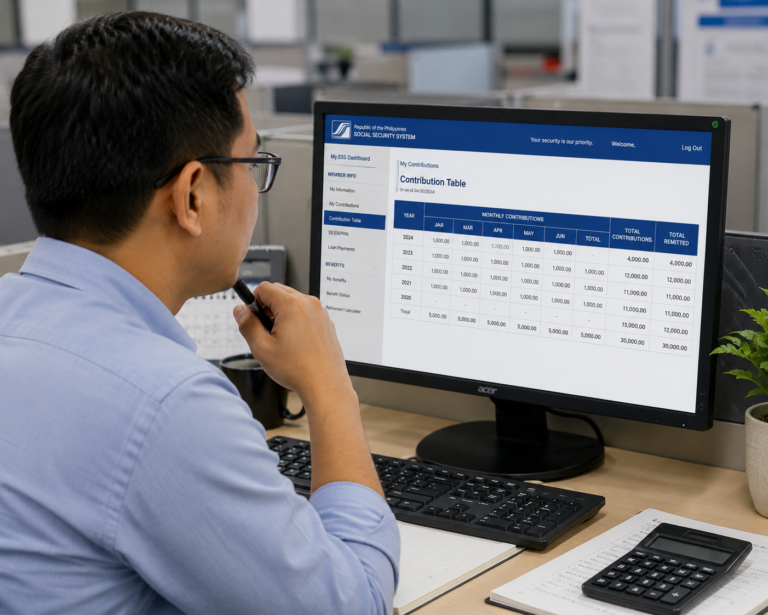
The primary member must remain in good standing by paying monthly premiums according to the PhilHealth contribution table. If your account is suspended or has payment gaps, your dependents will also lose their coverage. SSS members can track their own contribution history and manage accounts by checking the SSS contribution table and setting up a My.SSS account online, ensuring all government benefits are aligned.
Eligibility: Who Qualifies as a Dependent?
PhilHealth has strict legal guidelines defining who can be added as a dependent. You can only register the following family members:
- Legal Spouse: Your legally married husband or wife, provided they are not an active PhilHealth member themselves. (Common-law partners/live-in partners are not eligible under Philippine law).
- Biological or Adopted Children: Children who are:
- Below 21 years of age.
- Unmarried.
- Unemployed (not earning income).
- Children Over 21 with Disabilities: Children who are 21 years old and above but have physical or mental disabilities that prevent them from working and supporting themselves.
- Foster Children: Children placed under your care in accordance with the Foster Care Act.
- Senior Parents: Parents who are 60 years old and above, provided they do not have a regular source of income and are not active members.
Note: You cannot add your siblings, cousins, nieces, nephews, or common-law partners as dependents.
Requirements: What Documents Do You Need?
To add dependents, you must prepare the following documents (clear digital copies for online filing, or physical copies for branch visits):
- Two (2) Filled-out Copies of the PMRF: The PhilHealth Member Registration Form. Mark the “Updating/Amendment” box and list the dependents’ details in Section II.
- Your Valid SSS or Government ID: Bring at least one primary ID (such as a passport or UMID card). Review the general National ID requirements to ensure your credentials are valid.
- Relationship Proof Documents:
- For Legal Spouse: Scanned copy of your PSA Marriage Certificate.
- For Children: Scanned copy of their PSA Birth Certificate.
- For Parents: Scanned copy of the member’s PSA Birth Certificate (to prove the parents’ names match) and a copy of the parent’s Senior Citizen ID or valid Passport.
- For Disabled Children over 21: A medical certificate issued by a licensed physician detailing their physical or mental disability.
If you are registering a new dependent and need to submit alternative IDs, check out our guide on PhilHealth ID requirements.
Step-by-Step Process: How to Add Dependents
You can process your amendment request using the online electronic portal or by visiting a local office.
Method 1: Updating Online via ERS
Follow these steps to upload your documents through the online portal:
- Access the Portal: Open your browser and go to the Electronic Registration System (ERS) on the official website. If you are registering a new profile, follow our guide on PhilHealth online registration.
- Log In: Enter your member credentials and log in.
- Navigate to Member Information: Go to the profile management page and click “Update Member Information” or “Amend Dependents.”
- List Dependents: Enter the demographic details (name, sex, birthdate) of the family members you wish to add.
- Upload Supporting Documents: Upload the scanned copies of your PSA marriage or birth certificates. Ensure the files are under 2MB and in PDF or image format.
- Submit: Click the “Submit Request” button. You will receive a transaction reference code via email.
Method 2: Updating in Person at a Branch
If the online portal is down or if you need the update processed immediately, follow this branch workflow:
- Fill out the PMRF: Print and complete two copies of the PMRF form. List the dependents’ details in the designated table.
- Gather Original Documents: Bring the original PSA birth or marriage certificates, along with photocopies.
- Visit a PhilHealth Office: Go to your nearest Local Health Insurance Office (LHIO) or PhilHealth Express branch.
- Submit to the Officer: Present your filled-out PMRF forms, valid IDs, and relationship documents at the verification window.
- Receive Your Updated MDR: The officer will update your records in their database. They will print your updated MDR showing your new dependents on the spot.
Processing Time for MDR Updates
If you apply in person at a Local Health Insurance Office, the update is processed **on the spot**, taking about **10 to 20 minutes** depending on the branch queue. The officer will hand you your new MDR immediately.
If you submit your documents online via ERS, the validation team will review the uploaded certificates within **1 to 3 business days**. Once approved, you will receive a confirmation email. You can then log in to the portal and complete a PhilHealth MDR download to print your updated record.
Frequently Asked Questions
Can both husband and wife register the same child as a dependent?
No. A child can only be registered as a dependent under one parent’s PhilHealth account. If both parents are active members, they must decide who will list the child on their MDR. Registering the same child twice will create database conflicts and block benefit claims.
Can I add my common-law partner as a dependent?
No. Under Philippine social security laws, only a legally wedded spouse (proven by a PSA Marriage Contract) is eligible to be registered as a spouse dependent. Common-law partners or live-in partners do not qualify.
Do my dependents lose coverage when they turn 21?
Yes. Once your child reaches 21 years of age, they are legally removed from your list of qualified dependents. They must register as primary members (direct contributors) and pay their own premiums according to the PhilHealth contribution table, unless they have a physical or mental disability.
Can I add stepchildren as dependents?
Yes, stepchildren can be added as dependents, provided they are legally adopted by the primary member, or if you can present their PSA birth certificate showing your spouse’s name along with your PSA marriage contract to prove your legal relationship to the parent.
Official Resources
Ensure you are accessing official portals when updating your personal records:
- PhilHealth Official Website (Download PMRF and Check Brackets)
- PhilHealth Member Inquiry Portal (Check MDR Status)
- SSS Contribution Table Guide
Conclusion
Adding your qualified dependents in PhilHealth is an essential step in protecting your family from unexpected medical expenses. By registering your spouse, children under 21, or senior parents on your profile, you grant them access to the same medical benefits as you, without paying additional premiums.
Ensure that you gather the correct PSA birth or marriage certificates, fill out the PMRF form accurately, and submit your request online or in person. Once processed, perform an updated MDR download to confirm that all your family members are listed.
Keep your health insurance active by staying updated on your monthly premiums on the contribution table, allowing your family to claim benefits smoothly during hospitalisation.
Disclaimer
PublicServicesDesk.com is an independent informational website and is not affiliated with, endorsed by, or operated by the Philippine Health Insurance Corporation (PhilHealth) or the Philippine Government. Information is provided for general educational purposes only and may change over time. Always verify important details through official PhilHealth channels before submitting applications or making payments.