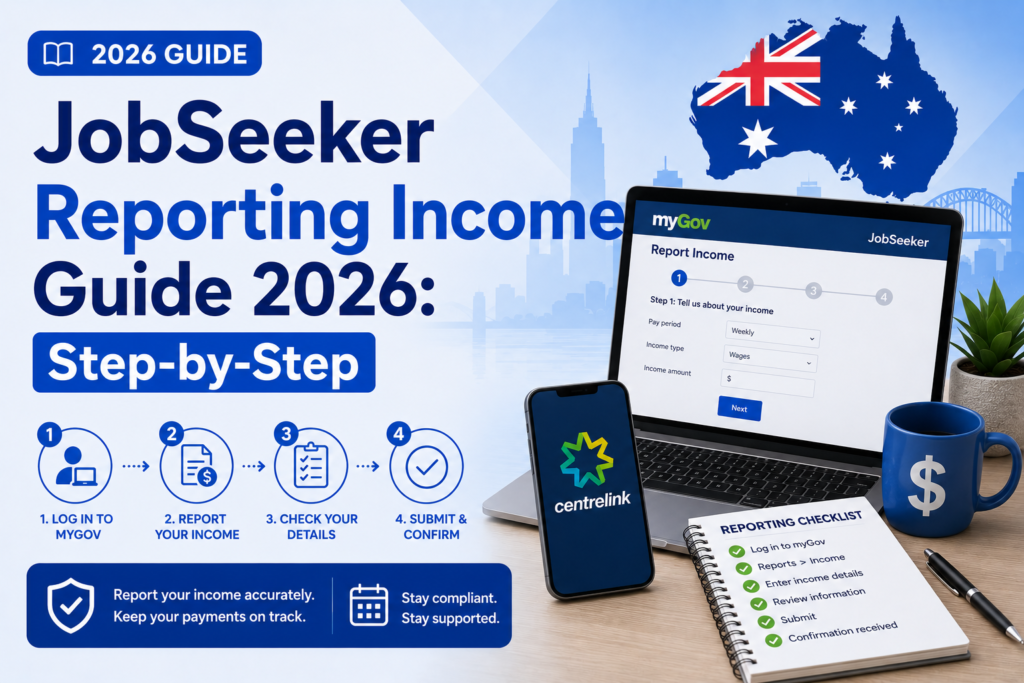
Home > Centrelink > JobSeeker Reporting Income Guide
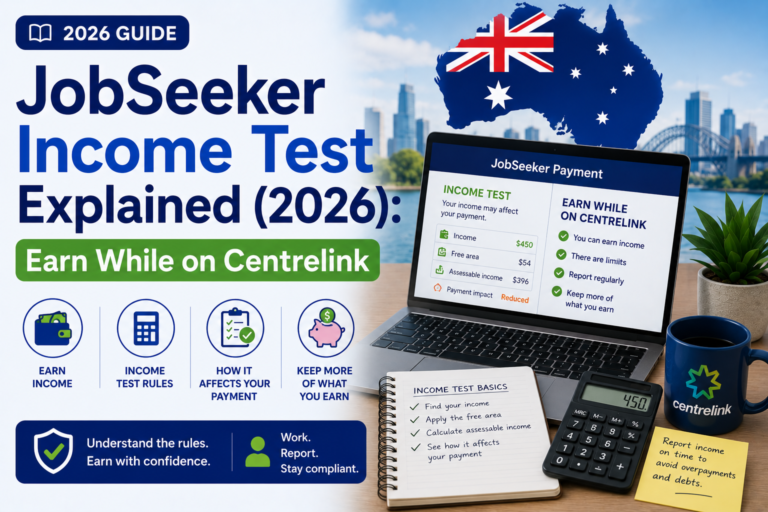
JobSeeker Reporting Income Guide (2026): A Step-by-Step Manual
For millions of Australians relying on the JobSeeker Payment, there is one day every fortnight that dictates their financial survival: Reporting Day. Every 14 days, you must fulfill a mandatory administrative task by logging into the government portal and declaring exactly how much money you earned, how many hours you worked, and confirming that you met your mutual obligation job search requirements.
While the process sounds simple, JobSeeker Reporting Income is fraught with bureaucratic traps. It is the single most common area where welfare recipients make innocent mistakes that lead to devastating financial consequences. If you accidentally type in the amount of money that landed in your bank account instead of your pre-tax wage, or if you report your income on the wrong day, you are inadvertently committing welfare fraud. Centrelink’s automated data-matching software will eventually catch the discrepancy, resulting in suspended payments and aggressive debt recovery notices.
The rules governing exactly when and how you report have changed significantly over recent years, shifting from an “hours worked” model to an “income paid” model, causing widespread confusion among casual and gig-economy workers.
In this comprehensive 2026 guide, we will provide a flawless, step-by-step manual on how to report your income correctly. We will clarify the critical difference between Gross and Net income, explain the strict new rules about reporting when you are physically paid, guide you through the process using the Express Plus app and myGov, and show you exactly what to do if you make a mistake and need to fix a submitted report.
Key Takeaways
- Gross Income is King: You must ALWAYS report your Gross income. This is the total amount your employer pays you before any tax, superannuation, or union fees are deducted.
- The ‘Paid’ Rule: You only report income in the specific 14-day reporting period that the money physically hits your bank account (or is given to you in cash). You no longer estimate future earnings based on hours worked.
- Zero Income Must Be Reported: If you did not work and earned $0 during the fortnight, you cannot simply skip reporting. You must still log in, answer the questions, and officially declare $0 to trigger your Centrelink payment.
- Single Touch Payroll (STP): If your employer uses STP, their payroll software will automatically pre-fill your gross income into your myGov reporting screen. You simply need to verify the numbers and confirm.
- Public Holidays Change Everything: If your reporting day falls on a national public holiday, Centrelink will usually ask you to report one business day earlier so your payment is not delayed.
What is JobSeeker Income Reporting?
The JobSeeker Payment is an income-tested welfare benefit. The government needs to know exactly how much private income you are generating so they can accurately calculate your welfare entitlement using the taper rate. To achieve this, Centrelink operates on a strict 14-day cycle.
When your JobSeeker claim is approved, you are assigned a specific 14-day “Reporting Period” and a specific “Reporting Date” (e.g., every second Wednesday). Your task is to declare all employment income paid to you by any employer during those specific 14 days. Until you submit this report, Centrelink will not release your funds to your bank account.
The Golden Rule: Gross vs Net Income Explained
This is the most critical section of this guide. Misunderstanding this concept is responsible for the vast majority of Centrelink overpayment debts (commonly referred to in the past as the “Robodebt” issue).
You must always report your GROSS income.
- Gross Income: The total amount of money you earned for your labor before the government takes their slice. It is the highest dollar figure on your payslip.
- Net Income: The amount of money that actually lands in your bank account after the employer has deducted income tax, HECS/HELP debt repayments, and superannuation.
Example: You work a week at a warehouse. Your hourly rate means you earned $1,000. Your employer deducts $200 in tax. They transfer $800 into your bank account.
What do you report to Centrelink? You report $1,000.
If you look at your bank account and report $800, you are under-declaring your income. Centrelink will pay you too much JobSeeker. Eventually, the Australian Taxation Office (ATO) will share your real tax data with Centrelink, they will realize you actually earned $1,000, and they will send you a bill demanding you repay the extra welfare you received.
When Do You Report? (The ‘Paid’ Rule)
In December 2020, Services Australia fundamentally changed how reporting works to make it simpler and align with ATO data. This is known as the “Paid Rule.”
You no longer have to guess or estimate how much you will be paid for the hours you worked this week. Instead, you only report income on the day your employer actually pays you.
The Rule: If the money hits your bank account during your 14-day reporting period, you report it. If the money does not hit your bank account until the day after your reporting period ends, you do not report it until your next fortnight’s report.
Example Scenario:
Your Centrelink reporting period runs from Wednesday the 1st to Tuesday the 14th.
You work 20 hours in Week 1.
You work 20 hours in Week 2.
Your employer is slow and doesn’t pay you for those 40 hours until Thursday the 16th.
What do you report on Tuesday the 14th? You report $0 income, because you received $0 during that 14-day window. (You still report that you worked 40 hours to satisfy mutual obligations, but the income is $0). You will then report the actual gross wages in your next fortnight’s report, because that is when the money physically arrived.
Step-by-Step Process: How to Report Your Income
There are two primary digital methods for reporting. Both are fast, but the smartphone app is generally the most reliable.
Method 1: The Express Plus Centrelink App (Recommended)
If you haven’t already, download the Express Plus Centrelink App. It is the easiest way to manage your welfare.
- Open the App: Log in using your 4-digit PIN or biometrics (FaceID/TouchID).
- Tap ‘Report’: On your designated reporting day, a large alert will appear on the home screen saying “You have a report due today.” Tap it.
- Review Pre-filled Data (STP): If your employer uses Single Touch Payroll (almost all do now), their payroll software will have already sent your gross wage data to Centrelink. The app will display your employer’s name, the date you were paid, and the gross amount. Check this against your physical payslip. If it is correct, confirm it.
- Add Missing Income: If your employer does not use STP, or if you did cash-in-hand gig work, tap “Add Income.” Select the employer (or add a new one), enter the date you were paid, the gross amount, and the hours worked.
- Confirm Mutual Obligations: The app will ask if you have met your job search requirements as outlined in your Job Plan. Select ‘Yes’.
- Submit: Review the summary screen carefully. Tap ‘Submit’. The app will instantly give you a receipt number and calculate exactly how much your JobSeeker payment will be for the fortnight.
Method 2: myGov Website
If you prefer using a laptop, you can report via the web portal. Ensure your account is properly linked by following our myGov Account Setup Checklist.
- Navigate to my.gov.au and log in.
- Click on the Centrelink service.
- On your Centrelink homepage, you will see a “Tasks” box. Click the link that says “Report employment income.”
- Confirm Pre-filled Details: Similar to the app, verify any STP data provided by your employer.
- Manual Entry: Follow the prompts to manually enter any gross wages and hours worked during the strict 14-day period.
- Submit and Save Receipt: After clicking submit, always write down or screenshot the receipt number provided in case there is a system error later.
Reporting Partner Income
If you are living with a spouse or de facto partner, you are subject to the Partner Income Test. This means you are legally responsible for reporting their income as well as your own every 14 days.
The rules are exactly the same. You must ask your partner for their payslip, look at the Gross Income amount, and report it in your Centrelink app if they were paid during your 14-day window. If your partner earns a substantial wage, the taper rate will apply to their income and will reduce your JobSeeker payment accordingly. Failing to declare your partner’s income is welfare fraud.
Reporting $0 Income
A common misconception is that if you did not work at all during the fortnight, you don’t need to do anything. This is false.
The act of reporting is not just about declaring wages; it is the trigger that tells Centrelink’s computers to release your money. If you do not report, the computer assumes you might be working full-time and hiding it, so it suspends your payment.
On your reporting day, you must log in, confirm that you earned $0, worked 0 hours, and met your job search requirements. Only then will your full JobSeeker payment be processed.
What to Do if You Make a Mistake
Panic often sets in when someone hits ‘Submit’ and immediately realizes they typed $1,000 instead of $100.
Do not panic. You can fix it.
- Immediate Fix (Same Day): If you realize the mistake on the same day you submitted the report, you can usually log back into the Express Plus App or myGov online account, navigate to the ‘Reporting’ section, and select ‘Update a past report’. You can overwrite the incorrect figures with the correct ones.
- Delayed Fix (Next Day or Later): If your payment has already been processed based on the incorrect report, the app will likely lock you out from changing it. You must call the Centrelink employment line immediately (132 850). Explain the typographical error to the operator. They can reverse the report, calculate the correct entitlement, and either issue a supplementary payment (if you under-reported) or organize a minor debt repayment plan (if you over-reported).
Common Mistakes that Cause Debts
- Using the Net Figure: Looking at your banking app to see what your employer deposited and reporting that number. Always use the Gross figure from the actual payslip.
- Reporting Before Being Paid: Trying to be helpful by reporting the hours you worked on Tuesday, even though your boss isn’t paying you until Friday. Follow the ‘Paid’ rule. Only report money that is actually in your hand.
- Forgetting Public Holidays: When a national public holiday (like Christmas or Easter) falls on or near your reporting date, Centrelink operations change. They will send you a message asking you to report early (usually one business day prior) so they can process the payment before the banks close. If you ignore this and try to report on the public holiday, your money will be delayed by several days.
Frequently Asked Questions
What time will my money go into the bank after I report?
If you report your income before 5:00 PM on your designated reporting day, your JobSeeker payment will generally clear into your nominated bank account by the morning of the next business day. If you report late in the evening or on a weekend, it will take an extra business day to process.
Do I have to report cash-in-hand jobs?
Yes. You are legally required to report all income you receive for your labor, regardless of whether it is paid into a bank account via formal payroll or handed to you in cash. Failing to report cash income is welfare fraud.
What if my employer doesn’t give me a payslip on time?
By law, employers must provide a payslip within one working day of paying you. If they fail to do so, and you must report to Centrelink, you should contact your employer immediately to ask for your Gross income figure. If you cannot reach them, you must calculate a careful estimate based on your hourly rate and hours worked, report that, and correct it later if the payslip proves it was slightly inaccurate.
Do I report my tax return as income?
No. Your annual tax refund from the ATO is not considered employment income for the fortnightly Centrelink income test. You do not need to report your tax refund as earnings.
Official Resources
For the most current technical advice and to access the reporting portals, use the official government links:
- Services Australia – How to Report Income
- Services Australia – Public Holiday Reporting Dates
- myGov Portal
Conclusion
Mastering the JobSeeker Reporting Income process is the most effective way to ensure your Centrelink payments remain consistent, stress-free, and most importantly, debt-free. By embracing the digital tools available—specifically the Express Plus Centrelink app—you can complete this mandatory administrative chore in under 60 seconds.
Always remember the golden rules: NEVER report the net amount that lands in your bank account; always report the Gross Income listed on your payslip. Furthermore, strictly adhere to the ‘Paid’ rule, ensuring you only declare money in the exact 14-day fortnight that it was physically paid to you by your employer.
By taking a methodical, careful approach to reporting your wages and partner income every second week, you can safely take advantage of the generous Working Credits system, supplement your welfare with part-time work, and transition smoothly back into the full-time workforce without fear of bureaucratic repercussions.
Disclaimer
PublicServicesDesk.com is an independent informational website and is not affiliated with, endorsed by, or operated by the Australian Government, Services Australia, Centrelink, Medicare, MyGov, the Australian Taxation Office (ATO), or the Department of Home Affairs. Information is provided for general educational purposes only and may change over time. Always verify important details through official Australian Government websites before making decisions or submitting applications.