PhilHealth ID Requirements and Application Guide (2026)
In the Philippines, having a government-issued identification card is essential for opening bank accounts, applying for employment, securing passport services, and completing daily transactions. While primary IDs like a passport or a UMID card can be difficult and slow to obtain, the **PhilHealth Member ID Card** remains one of the fastest and most accessible secondary government IDs you can acquire.
The card is issued by the **Philippine Health Insurance Corporation (PhilHealth)** to all registered members. While its primary purpose is to display your unique 12-digit PhilHealth Identification Number (PIN) for claiming medical benefits, it is widely accepted as a valid proof of identity across the country. Best of all, the paper-based member card is printed free of charge, and you can walk away with it on the same day you apply.
However, showing up at a PhilHealth office unprepared will result in a wasted trip. You must bring the correct documents, the exact photo dimensions, and meet the registration prerequisites. In this comprehensive 2026 guide, we outline the **PhilHealth ID requirements**, eligibility rules, and provide a step-by-step application walkthrough to ensure you get your card printed on the spot.
Key Takeaways
- Free to Get: The basic paper member ID card is issued 100% free of charge to first-time applicants and active members.
- Lamination is Required: PhilHealth prints the ID on standard card stock. You must bring it to a local laminating shop yourself to protect it from wear and tear.
- Prepare 1×1 Photos: You must bring two (2) identical 1×1 ID pictures with a clean, light background (white or red is standard).
- Fast Turnaround: Unlike SSS or passport applications, you can get your PhilHealth ID printed on the spot, usually within 10 to 30 minutes, depending on the office queue.
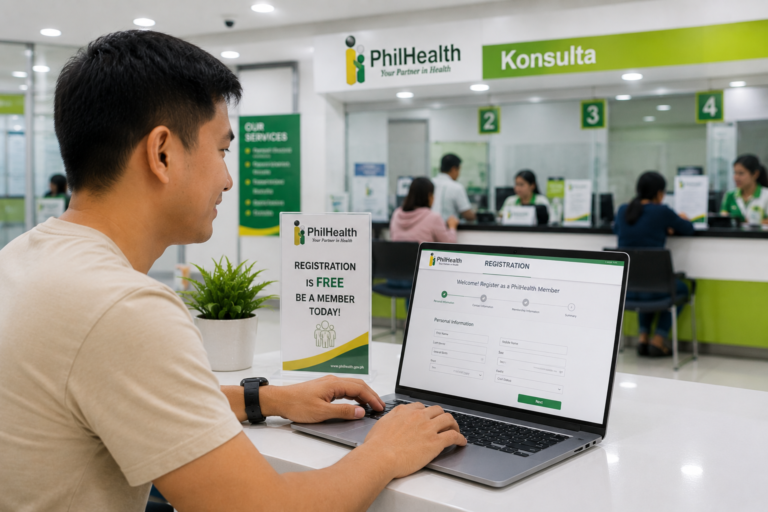
- Active Registration Needed: You must already have a PhilHealth PIN before applying for the physical card. If you are not registered, complete the PhilHealth online registration first.
Overview: The Two Types of PhilHealth IDs
Before applying, it is important to distinguish between the two types of cards issued by PhilHealth:
- The Member ID Card (Paper-Based): This is the standard, cardboard-like card issued free of charge to all members at local branches. It displays your name, PIN, and signature line. Once printed, you must attach your 1×1 photo and have it laminated yourself. This is the ID commonly used for general identification transactions.
- The PhilHealth Insurance Card (PVC-Based): This is a high-security PVC card with a magnetic strip. It is usually issued to indigent members, senior citizens, and those under specific sponsored programs. Some corporate employers or partners also offer co-branded SSS or PhilHealth insurance cards, but the standard paper-based card is the one most members receive.
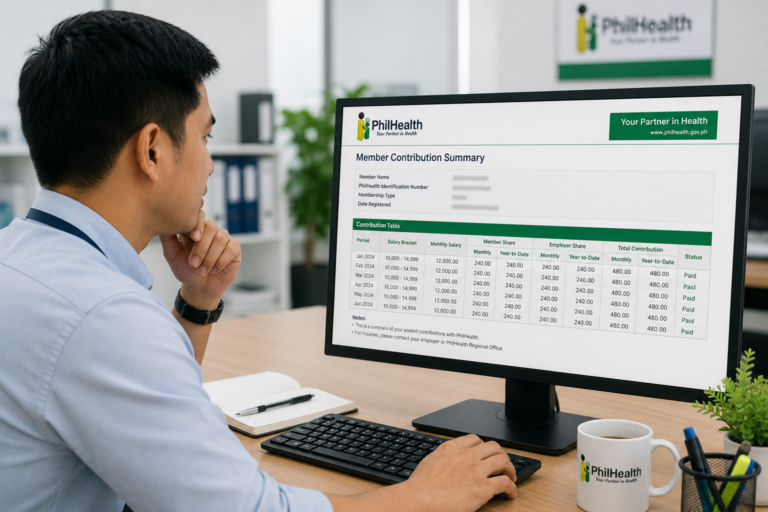
Both cards carry the same legal weight for claiming health benefits and verifying your monthly dues under the PhilHealth contribution table.
Eligibility: Who Can Get a Card?
Any registered PhilHealth member (Direct or Indirect contributor) is eligible to apply for a Member ID Card. This includes:
- Formally employed workers and househelpers.
- Self-employed individuals, freelancers, and sole proprietors.
- Voluntary members paying their own premiums.
- Overseas Filipino Workers (OFWs) currently abroad.
- Indigents, senior citizens, and PWDs whose premiums are subsidized.
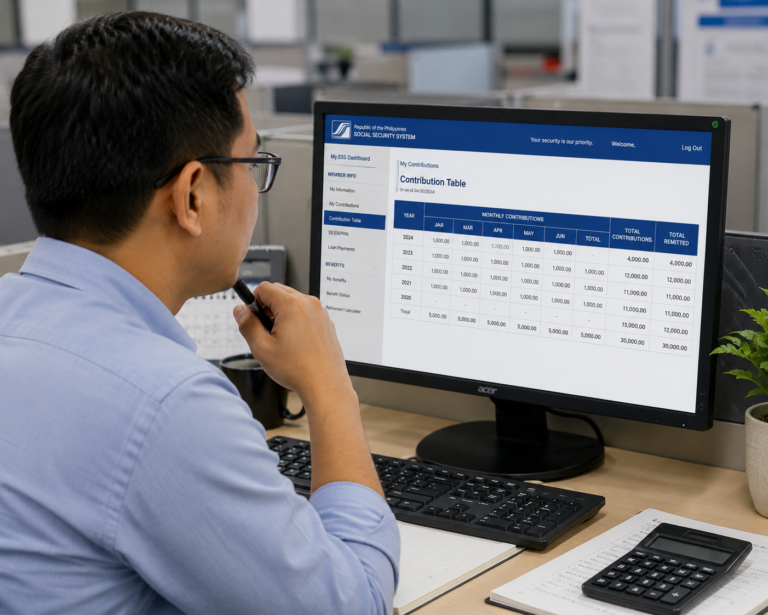
If you have an active SSS account, you can compare SSS and PhilHealth records by checking the SSS contribution table and verifying your online profile through our guide on My.SSS online setup. Keeping your details matching across platforms makes government transactions much easier.
Requirements: The Complete Checklist
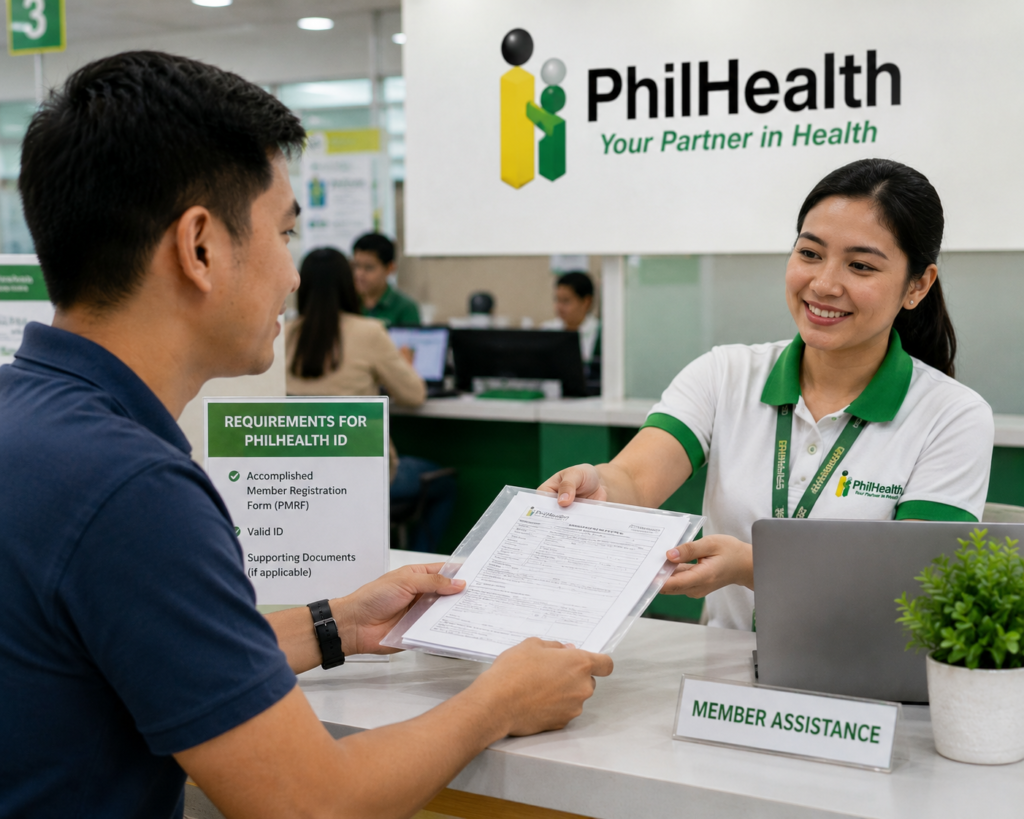
To secure your card at a PhilHealth Local Health Insurance Office (LHIO) or a PhilHealth Express booth inside shopping malls, you must bring the following items:
- Two (2) Copies of the PMRF: The PhilHealth Member Registration Form. You can download the PDF, print it, and fill out both copies by hand.
- Two (2) Identical 1×1 ID Photos: Must be recently taken (within the last six months). See the photo specifications below.
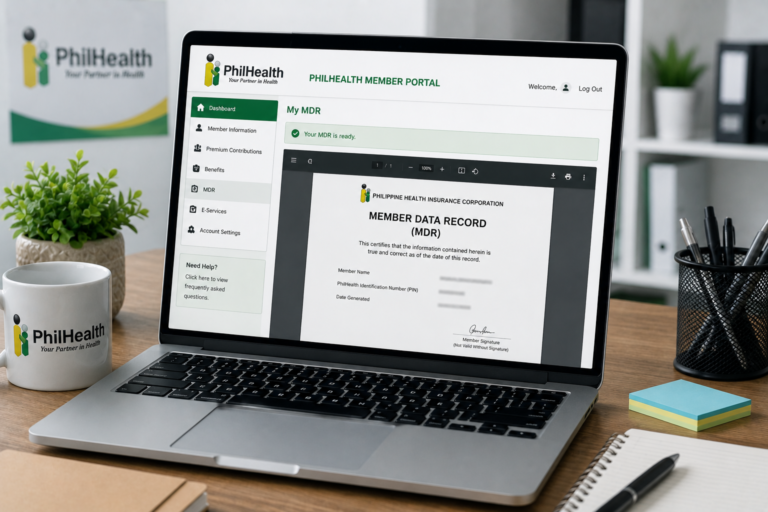
- Your Member Data Record (MDR): A printed copy of your active record. If you don’t have one, follow our guide on how to complete a PhilHealth MDR download online.
- Supporting Valid IDs: Bring at least two valid secondary IDs or one primary ID (such as your passport or national ID) for verification.
- Ensure you meet the standard National ID requirements before applying.
- If you are using an NBI Clearance, review the updated NBI clearance requirements.
ID Photo Specifications
To ensure your photograph is accepted by the screening officer, follow these guidelines:
- Dimensions: Must be exactly 1 inch by 1 inch (1×1).
- Background: A clean, light background (plain white or plain red background is standard).
- Appearance: Look straight at the camera. Do not wear sunglasses, hats, or headgear unless for religious purposes. Eyeglasses are allowed, provided they do not reflect light.
- Recency: The photo must represent your current appearance.
Valid Verification IDs
PhilHealth requires proof of identity to prevent members from claiming multiple PINs. The most accepted verification documents are:
- Philippine Passport.
- UMID Card.
- Driver’s License.
- Voter’s ID.
- Senior Citizen ID.
- NBI Clearance or Police Clearance.
- Barangay Clearance (must contain your photo and dry seal).
Step-by-Step Process: How to Apply in Person
Follow these steps to apply for your card at a local branch:
Step 1: Download and Fill Out the PMRF
Get the PMRF PDF from the official website. Print two copies and fill out the demographic details. Mark the “Update/Amendment” checkbox if you already have a PIN but just need the card, or “Registration” if you are a new applicant.
Step 2: Print Your Member Data Record (MDR)
Log into the member portal and download your record. For help, refer to our MDR download guide. Bring a printed copy of the MDR to show your active status.
Step 3: Find a Local PhilHealth Office
Locate the nearest Local Health Insurance Office (LHIO) or a PhilHealth Express branch in your area. LHIO branches are usually open from 8:00 AM to 5:00 PM, Monday to Friday. PhilHealth Express booths in malls often follow mall hours.
Step 4: Submit Your Application for Verification
Approach the queue manager and explain that you are applying for a Member ID Card. Get a queue number. When your number is called, present your:
- Two filled-out PMRF copies.
- Two 1×1 ID pictures.
- Alternative valid IDs.
- Printed MDR.
Step 5: Card Printing
The officer will verify your details in their system. Once cleared, they will print your member ID card on standard card stock. They will hand you the printed ID along with a stamped copy of your PMRF for your records.
Step 6: Fill Out and Sign the Card
Use a black ballpoint pen to sign on the signature line of the card. Attach your 1×1 ID photo securely in the designated photo box using glue or double-sided tape.
Processing Time and Lamination
The processing time is **on the spot**. Once you reach the window, the verification and printing take only **10 to 15 minutes**.
However, SSS and PhilHealth offices do not offer lamination services. Once you receive your printed card, visit a local bookbinding, school supply, or office service shop. Ask them to laminate the card using standard ID laminating film. This protects the paper card from moisture and tearing, ensuring it remains readable for years.
If you need to add your children or spouse to your account to extend coverage, read our guide on how to add dependents to PhilHealth. Doing this before applying ensures their names are updated in the database when you print your MDR.
Frequently Asked Questions
Can I apply for a PhilHealth ID card online?
No. While you can register for your membership and download your MDR online, you cannot request the physical paper ID card to be mailed to you. You must visit a local branch or PhilHealth Express booth in person to have the card printed. Make sure you register using our online registration guide first.
Does PhilHealth charge a fee to replace a lost ID?
No. SSS charges replacement fees, but PhilHealth generally prints replacement paper member cards for free. If you lose your card, simply visit a branch, submit an updated PMRF checking the “Lost ID” box, and present a valid ID to get a new copy printed on the spot.
Can I use my SSS UMID card instead of a PhilHealth ID?
Yes. The UMID card contains both your SSS number and your PhilHealth PIN printed on the back. If you have a valid UMID card, it serves as a primary ID for both agencies, and you do not need to carry a separate paper PhilHealth card. Learn more by checking the SSS contribution table guide.
What happens if there is a mistake on my printed ID?
If there is a typo (like a misspelled name or wrong birthdate) on your card, you must file an updated PMRF check “Correction/Amendment” and attach your PSA Birth Certificate. The officer will update your records in the system and print a corrected ID card for free.
Official Resources
Ensure you are utilizing official, secure government channels when researching ID requirements:
- PhilHealth Main Website (Download PMRF and Check Office Locations)
- PhilHealth Member Inquiry Portal (Download MDR)
- SSS Contribution Table Guide
Conclusion
Acquiring a **PhilHealth ID Card** is a fast and convenient way to secure a valid, government-issued secondary ID in the Philippines. By preparing your two PMRF copies, 1×1 ID photos, alternative valid IDs, and your printed MDR, you can walk into any local office and walk away with your card on the same day.
Once printed, remember to sign the card, paste your photograph, and visit a local shop to have it laminated to protect it from damage. Keep your premiums updated on the contribution table to ensure your health insurance remains active during medical emergencies.
Take charge of your health insurance profile today by completing your online registration, downloading your MDR PDF, and getting your physical member card printed at your nearest PhilHealth branch.
Disclaimer
PublicServicesDesk.com is an independent informational website and is not affiliated with, endorsed by, or operated by the Philippine Health Insurance Corporation (PhilHealth) or the Philippine Government. Information is provided for general educational purposes only and may change over time. Always verify important details through official PhilHealth channels before submitting applications or making payments.