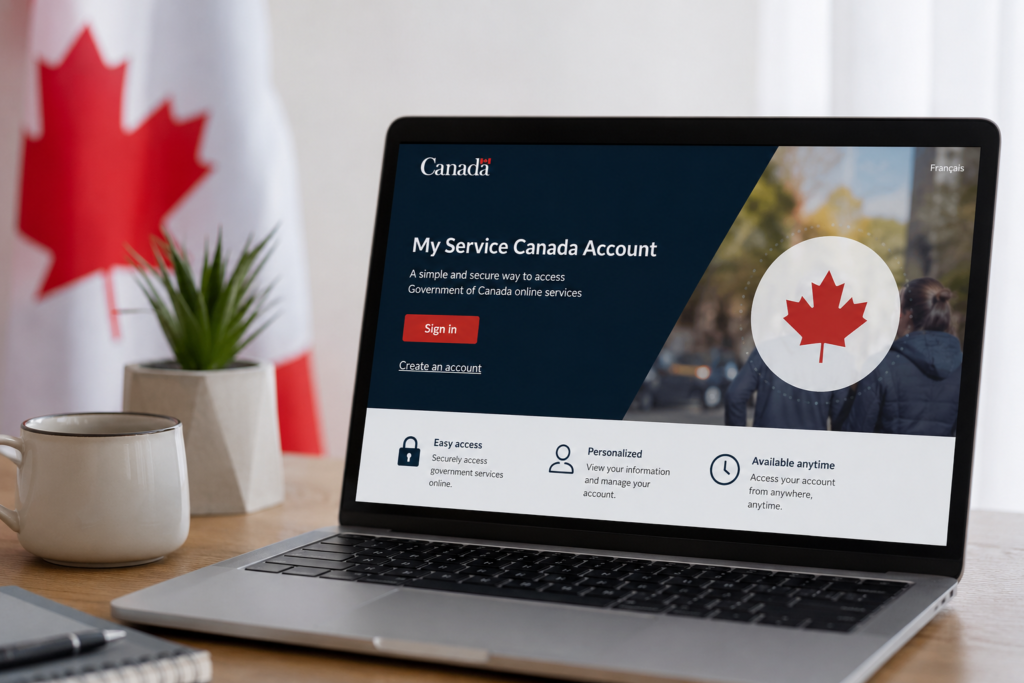
Your Gateway to Federal Benefits: The My Service Canada Account
Managing government benefits can feel overwhelming, but the My Service Canada Account (MSCA) is a secure, centralized online portal designed to simplify your life. Whether you’re applying for Employment Insurance (EI), checking your Canada Pension Plan (CPP) contributions, or managing your Old Age Security (OAS) payments, MSCA puts you in control. It’s the single most important digital tool for any Canadian interacting with Service Canada programs.
This guide is created by the Public Services Desk Editorial Team, leveraging decades of combined experience navigating Canadian federal bureaucracy. We’ve helped thousands of Canadians understand their benefits, and this independent, plain-language guide condenses official processes into simple, actionable steps. We prioritize accuracy and clarity, ensuring you can confidently manage your account without the jargon.
What Exactly is My Service Canada Account (MSCA)?
Think of MSCA as your personal digital filing cabinet for federal benefits. It’s a protected online portal that gives you 24/7 access to:
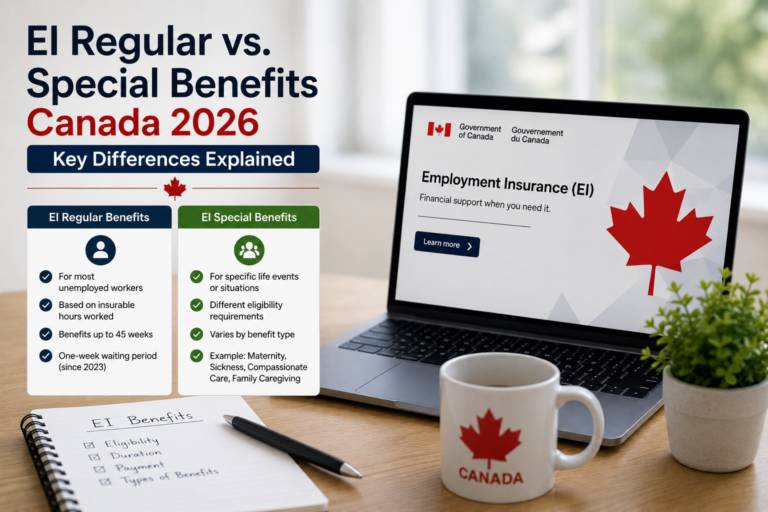
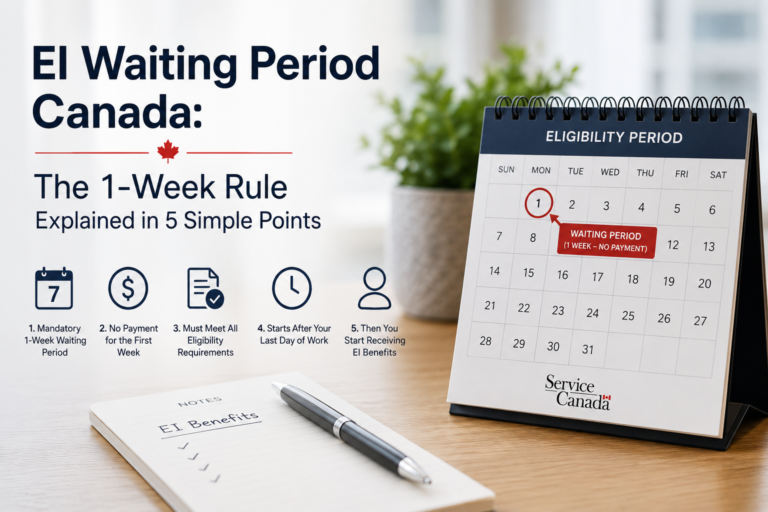
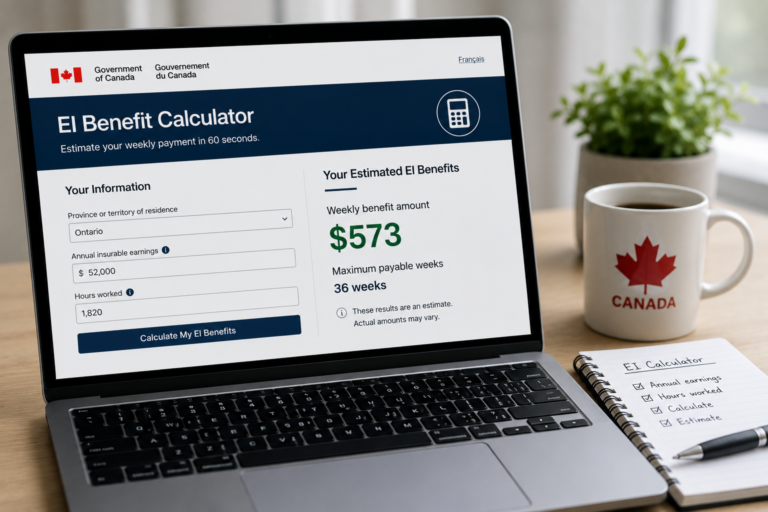
- Employment Insurance (EI): View your claim status, complete reports, and see past benefit statements.
- Canada Pension Plan (CPP): Estimate your future retirement income and review your contribution history.
- Old Age Security (OAS): Apply for benefits, manage your direct deposit, and access tax slips.
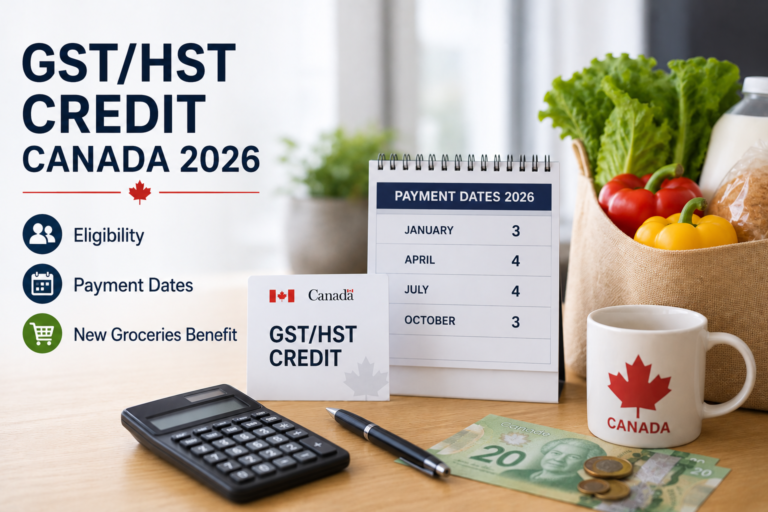
- Tax Slips & Records: Instantly download T4E (EI) and NR4 (OAS) slips for tax season.
Expert Insight: “An MSCA is non-negotiable for efficient benefit management. It prevents the delays inherent in phone systems and mail, giving you real-time visibility over your financial safety net.” — Public Services Desk Editorial Team
Important: We are an independent information hub. PublicServicesDesk.com is not affiliated with the Government of Canada. For official transactions, always use the secure government portal at canada.ca/myserviceaccount. Our role is to provide you with the clearest guidance to navigate that official system.
How to Register for MSCA: A Proven Step-by-Step Guide
To register, you’ll need your Social Insurance Number (SIN) and a recent tax return. Service Canada uses this to verify your identity. Here are the two primary, expert-recommended methods:
Method 1: Use Your Online Banking (Fastest & Easiest)
This is our top recommendation for speed and simplicity. You use your existing bank credentials, so there’s no new username or password to remember.
- Go to the official MSCA registration page.
- Select “Sign-In Partner”.
- Choose your financial institution from the list.
- Log in to your familiar online banking portal.
- Follow the prompts to securely link your bank login to your MSCA.
This method is trusted and used by millions of Canadians.
Method 2: Create a GCKey (Traditional Method)
A GCKey is a unique credential you create just for government services. It requires more initial steps but is a strong alternative if you prefer not to use your bank login.
- On the MSCA login page, select “GCKey”.
- Click “Register” to create a new user ID and password.
- Validate your email address and create security questions.
- Once registered, use your new GCKey credentials to log in.
- You will be prompted to enter your SIN to complete the link to your Service Canada profile.
Having trouble registering? Here’s a key troubleshooting tip.
The most common issue is a mismatch between your personal information and Service Canada’s records. Double-check your address on a recent Notice of Assessment. If the problem persists, you’ll need to call Service Canada directly to update your file before the online system will grant you access. Our Service Canada Phone Numbers Guide can help you navigate that call efficiently.
Core Benefits of Managing Your Account Online
Transitioning from paper and phone to the MSCA portal isn’t just a modern convenience; it represents a fundamental shift in how you engage with your benefits. Our team has identified the core functionalities that deliver the most value to Canadians.
| Key Feature | What You Can Do | Expert Benefit |
|---|---|---|
| EI e-Reports | Complete your bi-weekly reports in minutes. | Ensures uninterrupted benefit payments by preventing missed reporting deadlines, the #1 cause of payment delays. |
| CPP Statement of Contributions | Review your lifetime earnings record. | Verify your employer’s contributions are accurate; detecting errors now prevents a smaller pension later. |
| Direct Deposit Setup | Register or change your banking information. | Receives payments 5-7 days faster than a mailed cheque, with 100% reliability. |
| Tax Slips (T4E, NR4) | Download official tax documents immediately. | File your taxes early and accurately without waiting for mail delivery. |
Frequently Asked Questions About Your MSCA
Based on our experience helping thousands of users, here are direct answers to the most critical and common questions you may have.
Is the My Service Canada Account safe?
Yes. The platform uses bank-level encryption and is continuously monitored for security. The “Sign-In Partner” method is exceptionally secure because Service Canada never sees your banking credentials. Enabling two-factor authentication in your account settings provides a vital extra layer of protection.
What’s the difference between MSCA and a myGov (Australia) account?
This is a crucial distinction. The My Service Canada Account is exclusively for Canadian federal benefits like CPP, OAS, and EI. The Australian myGov system links to services like the ATO, Centrelink, and Medicare. They serve similar concepts in different countries but are entirely separate systems. For help with Australian services, explore our myGov guides.
How long does my EI claim stay on my MSCA profile?
Your EI claim history, including benefit statements, is accessible for 7 years. It’s vital to download and save any tax slips you need for your records within this timeframe.
Your Trusted Path to Benefit Management
We’ve guided you through the “what,” “why,” and “how” of the My Service Canada Account. The portal is the official, secure, and most efficient way to command your federal benefits. While we provide plain-language, expert-reviewed assistance, it’s the official portal you will always transact through.
Our commitment at Public Services Desk is to arm you with the knowledge to make that official process seamless. Bookmark this guide—we update it regularly to reflect the latest Service Canada procedure changes, ensuring you always have the most current and trustworthy information at your fingertips.